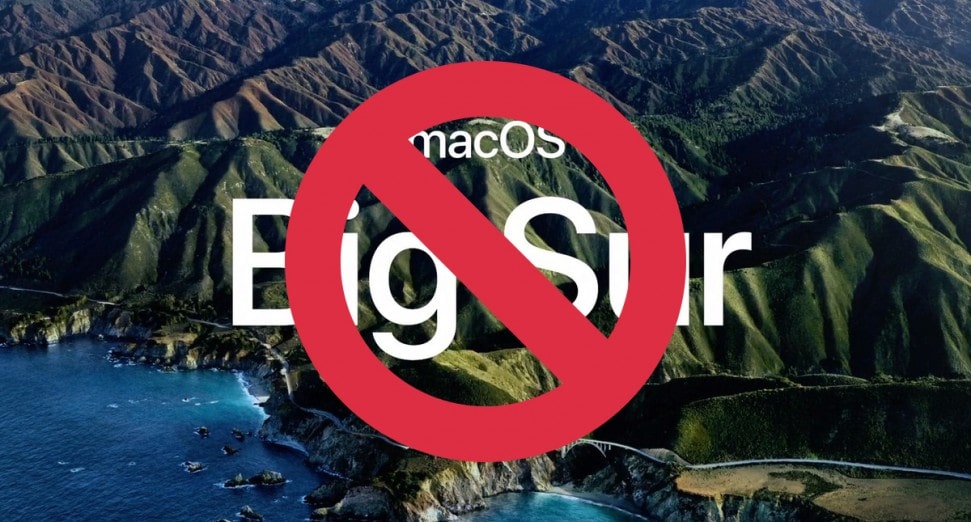
Last week Apple began rolling out the update that brings the macOS operating system to the Big Sur edition. A significant step forward compared to what OS X offered in the past, but not free of bugs: many are reporting problems while installing the platform on a MacBook Pro (so potentially risky on any other device too).
macOS Big Sur: MacBook Pro problem, black screen
Those affected appear to be mainly owners of the 2013 and 2014 versions of the laptop, the oldest among those supported by the new version of the platform. During the update process they suddenly find themselves facing a black screen with no way to continue. Not even the procedures for forcing the computer to restart, or a PRAM and SMC reset, seem to work. In short, the laptop suddenly becomes completely unusable.
Some report having received instructions from Apple to send the MacBook Pro in for repair. Others state that the problem has already been taken on by the Cupertino engineers to be resolved shortly. At the moment there have been no statements on the matter from the bitten apple, either on the cause of the problem or on the time needed to release a fix.
For now, the best advice for owners of the 2013 and 2014 (and later) versions of the laptop is not to install the update.
At Smart Generation, although every sales listing states that Big Sur 11.0 is pre-installed by us, we have chosen to take a step back (for the time being), reinstalling MacOS 10.15 Catalina on all Refurbished Apple devices on sale on our e-commerce site. This way we will give buyers a better service, as well as stable, optimized and high-performing software, with its latest Release 10.15.7.
We firmly advise all our buyers against downloading and installing macOS Big Sur 11.0 until new updates fixing the issue are released. Our team accepts no responsibility should you decide to do so anyway.